Accessories
Need Help Finding Your Model Number?
Your model number is located on the rear of the player under the bar code.

Current Models
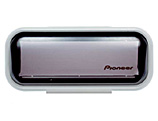
AD-MR92
Protect and cover your CD Receiver
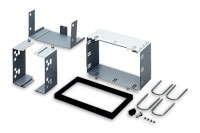
ADT-VA133
2DIN Installation Kit
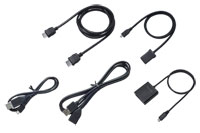
CD-AH200
AppRadio Mode Android™ Connection Kit
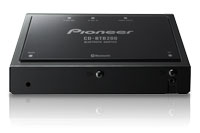
CD-BTB200
Using Hands-Free adds Convenience and Safety to your Drive
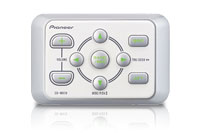
CD-MR70
Wired Remote Control
CD-MR70
Wired Remote Control
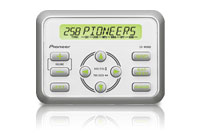
CD-MR80D
Wired Marine Remote Control with Display
CD-MR80D
Wired Marine Remote Control with Display
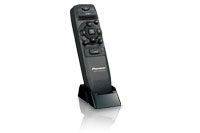
CD-R600
Be fully functional with our Smart Remote
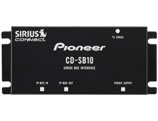
CD-SB10
Sirius Bus Interface
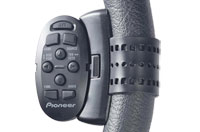
CD-SR100
Steering Wheel Remote
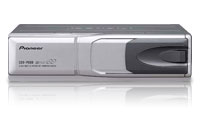
CDX-P680
6-Disc IP-Bus Multi-CD Player
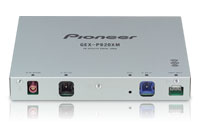
GEX-P920XM
XM Digital Satellite Tuner for Pioneer Headunits
JD-612V
6-Disc DVD/MCD Magazine
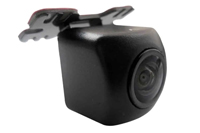
ND-BC010
NTSC universal camera, Selectable front view rear view Camera (normal/mirror)
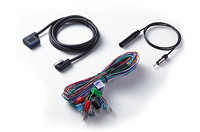
RD-RGB150A
RGB Extension (1.5m) Including Power and Radio Antenna Leads, for Installation of Hideaway Module (Pioneer Modular Receivers)
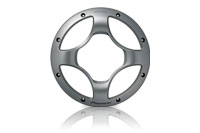
UD-G258
10” Subwoofer Spoke Grille
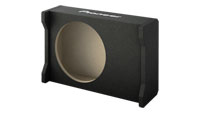
UD-SW250D
Downfiring Enclosure for 10" Shallow Subwoofer
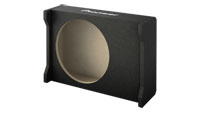
UD-SW300D
Downfiring Enclosure for 12" Shallow Subwoofers - Accessory
Common Accessories Questions
- How do I get the FM Modulation to function on my GEX-INNO2BK?
- How do I get the FM Modulation to function on my GEX-INNO1?
- How do you record the beginning of a song, when using the inno?